Services
What We Offer
Benefits
FitVac™ Enables Enhancing
Vacuum System Efficiency and Reducing Cost & Carbon
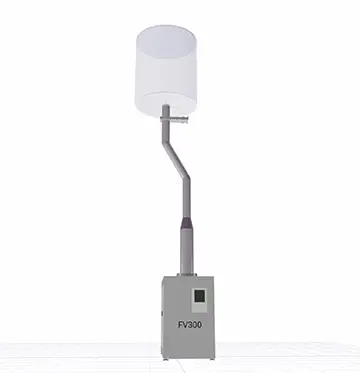
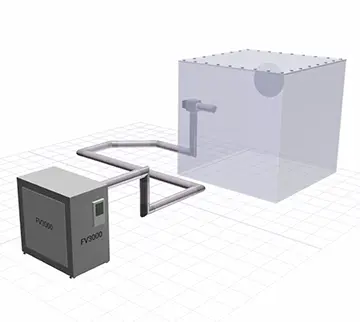
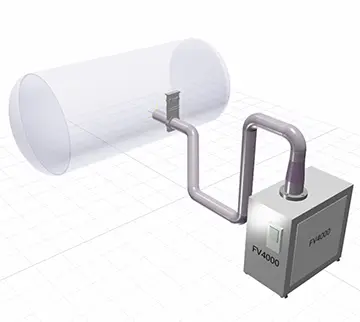
- When designing vacuum systems, pipes and pumps are configured in a various ways according to installation conditions and vacuum requirements. Depending on how to configure them, the overall efficiency and investment cost of the system can vary.
- Due to individual installation of the chamber, pipes, and pump, the use of low conductance piping or over-capacity pump occurs in the field. The worst case is installing systems repeatedly even with high investment costs and low efficiency.
- Vacuum systems are facility equipments that take a long time to replace once installed, and the best way is to check the performance of the system through simulation and optimize it before investment and installation.
- FitVac™ is a practical software for users to configure an optimal vacuum system that meets both installation conditions and vacuum requirements.
Features
FitVac™ Provides Differentiated Services
That Reflect Customer Needs
Intuitive User InterfaceThe symbolic icons, libraries, and 3D modeling make it easy for anyone to configure the vacuum system.
Accurate SimulationBased on 3D numerical analysis data and field measurement data, we focus on realizing the high accuracy of simulation results.
Seamless CommunicationFrom vacuum system design engineers to users, 3D visualization can make it easy to enable more precise and smoother communication.
Industrial SaaSAccess anytime, anywhere with the latest version (upon request, custom SaaS or on-premise possible).
System OptimizationSystem optimization through evaluation and analysis can increase efficiency and reduce costs.
World-Class SecurityAll data in this website is protected with web standard encryption technology.
Application
FitVac™ Provides Differentiated Services for Customers
We provide differentiated solutions and services to create customer value
based on its long experience and know-how in vacuum technology and applications.
Reviews
Customer Reviews












Try Our Solution for Free
You can try the Optimum plan for free for up to 14 days!